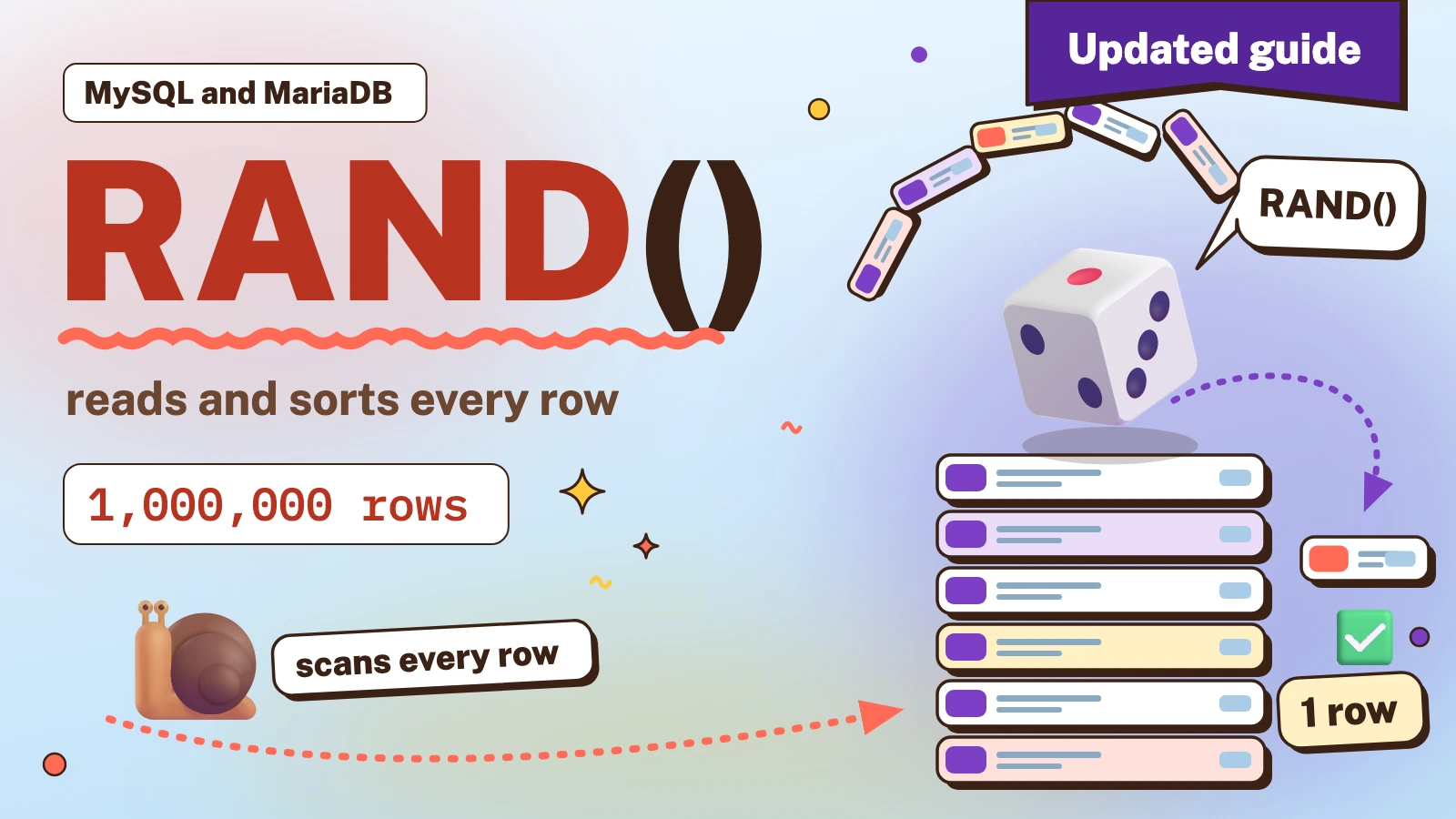
In short: ORDER BY RAND() LIMIT n returns n random rows and is fine for tables of a few thousand rows. On a table of a million rows it reads and sorts every row, so pick random ids instead, or sort only the ids and fetch the full rows afterwards.
A common need in web applications is to show different records each time a page loads, such as random items on a homepage. MySQL has a built-in function for it, RAND(), and the classic query is short. The catch is what it costs once the table grows.
Tested on: MySQL 8.4.11 and MariaDB 11.4.13 (InnoDB), with scratch tables of 10,000, 100,000 and 1,000,000 rows.
Every query here only reads data, but try them on a copy of your table first, never straight on a live database. You use this information at your own risk, and iLogr accepts no responsibility for any loss or damage.
How do you select random rows in MySQL?
Sort by RAND() and take the first rows with LIMIT. This selects five random rows:
SELECT columnName
FROM tableName
ORDER BY RAND()
LIMIT 5;
RAND() returns a new random number between 0 and 1 for every row, so sorting by it shuffles the rows, and LIMIT keeps the first five. The MySQL manual lists this exact pattern for selecting a random sample of rows[1]. Change the 5 to the number of rows you need, and add a WHERE clause first if the random rows must come from a subset.
Why is ORDER BY RAND() slow on a large table?
MySQL cannot know which rows will come first until every row has a random number. So it reads all the rows that match, calls RAND() for each one and sorts them, and only then returns the first few[2]. The LIMIT lets MySQL keep only the best few rows while it sorts, but the table is still read in full on every call. MariaDB's documentation says plainly that this technique should never be used on a large table[5].
In a test, the same query (SELECT id ...) on MySQL 8.4 took about these times per call:
| Rows in table | ORDER BY RAND() LIMIT 5 | One random primary key lookup |
|---|---|---|
| 10,000 | about 2 ms | about 0.3 ms |
| 100,000 | about 15 ms | about 0.3 ms |
| 1,000,000 | about 150 ms | under 1 ms |

Selecting all columns made it worse: with a text column in the table, SELECT * on 1,000,000 rows took about 500 ms, because the whole table, text column included, is scanned instead of a narrow index. Timings depend on hardware and on what else the server is doing, so treat them as a shape, not a promise. The shape is what matters: the cost of ORDER BY RAND() grows with the table, the cost of a primary key lookup does not.
Whether that is a problem depends on how often the query runs. A few thousand rows on a page that is cached is fine. A million rows on every page view is not. To see what your own table costs, run EXPLAIN ANALYZE in front of the query and look at the row counts: a scan of every row followed by a sort on rand() is the signature.
How can you speed it up without changing the result?
Sort only the ids, then fetch the full rows for the five winners. The sort then works on a narrow index instead of wide rows:
SELECT t.*
FROM items AS t
JOIN (SELECT id FROM items ORDER BY RAND() LIMIT 5) AS r USING (id);
In the same test this was roughly three to four times faster than SELECT * ... on 1,000,000 rows. It is still a full scan, so it only moves the point where the table becomes too big. Use it when the result must be a true random sample and the table is in the hundreds of thousands of rows.
How do you select a random row quickly on a big table?
Pick a random id between 1 and the highest id, then take the first row at or above it. This reads one row instead of a million:
SELECT t.*
FROM items AS t
JOIN (SELECT FLOOR(1 + RAND() * (SELECT MAX(id) FROM items)) AS rid) AS r
  ON t.id >= r.rid
ORDER BY t.id
LIMIT 1;
It assumes a numeric primary key. The random number is calculated once, in a derived table that reads no rows, and the optimiser then treats it as a constant: EXPLAIN ANALYZE shows an index range scan that stops after one row, so the call stays fast as the table grows.
For several rows, run it several times, or generate several random ids in your application and fetch them together with WHERE id IN (...). Do not just raise the LIMIT of the query above: ORDER BY t.id LIMIT 5 returns five rows that sit next to each other, not five independent picks.
Why are some rows picked far more often than others?
The "first row at or above a random id" trick is only fair when the ids have no large gaps. A row that sits right after a gap catches every random number that falls inside the gap, so it is chosen more often than its neighbours. Deleted batches of rows, archived data and imports that skipped ids all leave gaps.
Field note: in a test, a table of 100,000 rows had the ids from 20,001 to 60,000 deleted, which left 60,000 rows. Over 20,000 picks with the query above, the row with id 60,001 (the first one after the gap) was chosen 7,917 times, about 40% of all picks, when a fair share for one row is under 0.002%. The ids 1 to 20,000, which are a third of the remaining rows, received only 20% of the picks.

The fix that keeps lookups fast is to draw several random ids, let the missing ones fall away, and choose from the ones that exist:
SELECT * FROM items
WHERE id IN (418, 90211, 5, 77306, 61544, 30187, 99012, 2750)
ORDER BY RAND()
LIMIT 5;
The application draws the ids, a few more than the number of rows it needs, so that enough of them exist even when the table has gaps. The ORDER BY RAND() now sorts at most a handful of rows. In the same gap test, six random ids per round with one random survivor chosen gave 33.1% of the picks to ids 1 to 20,000 (a fair share is 33.3%) and no unusual weight on the row after the gap. If a round finds fewer rows than it needs, draw again, skip ids you already have, and ask only for the missing count. Without that, a retry can return the same row twice. Cap the number of retries: if the table holds fewer rows than you asked for, no amount of drawing will find them, so return what you have, or fall back to ORDER BY RAND() LIMIT 5 when the table is small.
Why does WHERE id = RAND() return the wrong number of rows?
A tempting shortcut puts the random number in the WHERE clause:
SELECT * FROM items WHERE id = FLOOR(1 + RAND() * 10000);
This does not mean "pick one random id". MySQL evaluates RAND() in a WHERE clause for every row, so each row is compared with a different random number, and the query can return no rows, one row or several[1]. In a test of 400 runs on a table with 10,000 ids, the query returned anywhere from 0 to 5 rows, and 130 of the 400 runs returned nothing.
The scalar-subquery version is worse. This looks equivalent to the derived-table query above:
SELECT id FROM items
WHERE id >= (SELECT FLOOR(1 + RAND() * MAX(id)) FROM items)
ORDER BY id
LIMIT 1;
Because the subquery contains RAND(), MySQL marks it as uncacheable and runs it again for every row it checks. On a 100,000-row table it took about 4.7 seconds, against about 5 milliseconds for the derived-table form, and MariaDB 11.4 marks the same subquery as uncacheable. Keep the random number in a derived table, as shown earlier.
How do you select a percentage of the rows?
Readers often ask for a share of the table, such as 5% of the rows, not a fixed count. There are three ways, with different trade-offs.
The simple way filters on RAND(). It scans the whole table, and each row is kept with a 5% chance, so the count varies a little from run to run:
SELECT * FROM items WHERE RAND() < 0.05;
On a 100,000-row table five runs returned between 4,987 and 5,120 rows.
For an exact count (rounded down when 5% of the rows is not a whole number), work out the number first and give it to LIMIT. LIMIT does not accept an expression, so a statement such as LIMIT ( is a syntax error. It does accept a ? placeholder in a prepared statement[3]:
SELECT COUNT(*) INTO @total FROM items;
SET @n = CAST(FLOOR(@total * 0.05) AS UNSIGNED);
PREPARE s FROM 'SELECT * FROM items ORDER BY RAND() LIMIT ?';
EXECUTE s USING @n;
DEALLOCATE PREPARE s;
On a table of 10,000 rows this returned exactly 500 rows.
If your server supports window functions (MySQL 8.4 does[4], and so did MariaDB 11.4 in the test), one statement can select the same count, also rounded down:
SELECT id FROM (
  SELECT id,
         ROW_NUMBER() OVER (ORDER BY RAND()) AS rn,
         COUNT(*) OVER () AS total
  FROM items
) AS x
WHERE rn <= total * 0.05;
Both exact versions sort the whole table, so they have the same cost as ORDER BY RAND() and suit tables of moderate size.
How do you get the same random rows every time?
Give RAND() a constant integer seed. For equal seeds it returns the same sequence of values, so the order is random-looking but repeatable[1][5]:
SELECT id FROM items ORDER BY RAND(42) LIMIT 5;
In a test, two runs with RAND(42) returned the same five ids, and two runs without a seed returned different ones. A seed helps when you page through a random order, because without one every page request reshuffles the rows and the same row can appear on two pages. It only repeats the order while the data and the way MySQL reads the rows stay the same: in a test, forcing a different index on an unchanged table gave different winners for the same seed. For paging that must never repeat or skip a row, store the shuffled ids once and page through that list. Change the seed once an hour or once a day if you want the order to refresh now and then.
The same applies in WordPress. WP_Query with 'orderby' => 'rand' builds ORDER BY RAND(), so everything above about large tables applies to it. Since WordPress 4.5 it also accepts a seed in the form RAND(x), which becomes ORDER BY RAND(x)[6][7].
Does MySQL have TABLESAMPLE?
Some databases offer a TABLESAMPLE clause for sampling a table without sorting it. It is not part of the SELECT syntax in the MySQL 8.4 manual[3], and in the test it did not run: MariaDB 11.4 answered with a syntax error and MySQL 8.4 refused it for an InnoDB table. For random rows in MySQL and MariaDB, use the methods above.
References
Numbers in square brackets in the text link to these sources.
- MySQL 8.4 Reference Manual: Mathematical Functions (RAND) (opens in a new tab).Used for: the ORDER BY RAND() LIMIT pattern, seeds, and RAND() in WHERE.
- MySQL 8.4 Reference Manual: LIMIT Query Optimization (opens in a new tab).Used for: why a filesort reads and sorts all matching rows.
- MySQL 8.4 Reference Manual: SELECT Statement (opens in a new tab).Used for: LIMIT with a placeholder, and no TABLESAMPLE clause.
- MySQL 8.4 Reference Manual: Window Functions (opens in a new tab).Used for: window function support in the percentage query.
- MariaDB Knowledge Base: RAND (opens in a new tab).Used for: the warning against ORDER BY RAND() on large tables, and seeds.
- WordPress Developer Resources: WP_Query (opens in a new tab).Used for: the rand and RAND(x) orderby values.
- WordPress core source: class-wp-query.php (parse_orderby) (opens in a new tab).Used for: how rand and RAND(x) become ORDER BY RAND().
2 Responses
This information related to selecting random records using mysql query helped me. Useful information.
Tell me the query to pull 5% random data from a table using any SQL function or tell me to pass the dynamic value to limit function.